Roll over image to zoom in
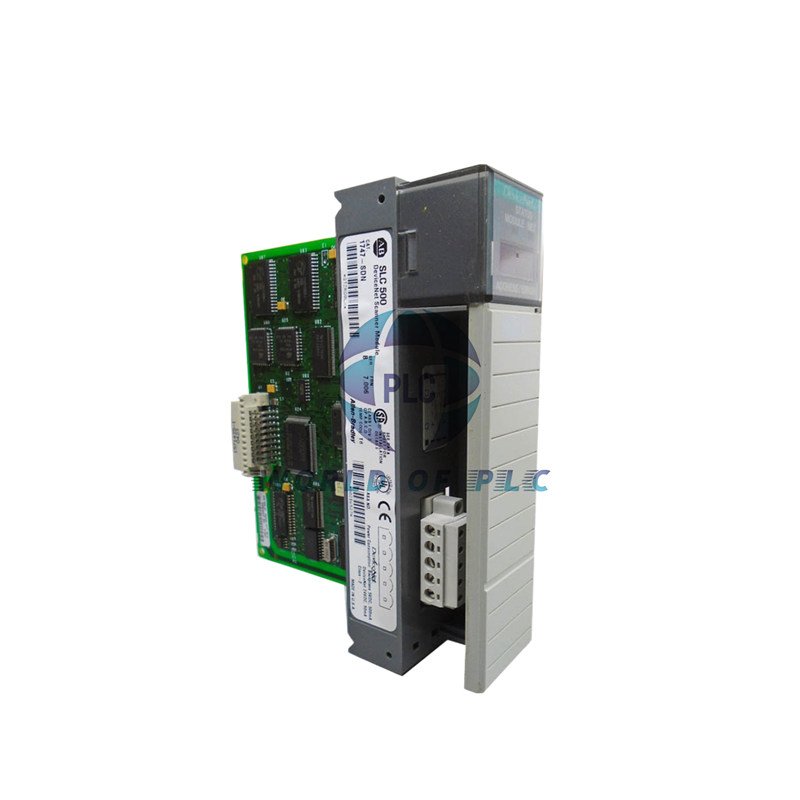
Allen-Bradley Scanner – SLC 500 to DeviceNet Bridge | 1747-SDN
$ 91.20
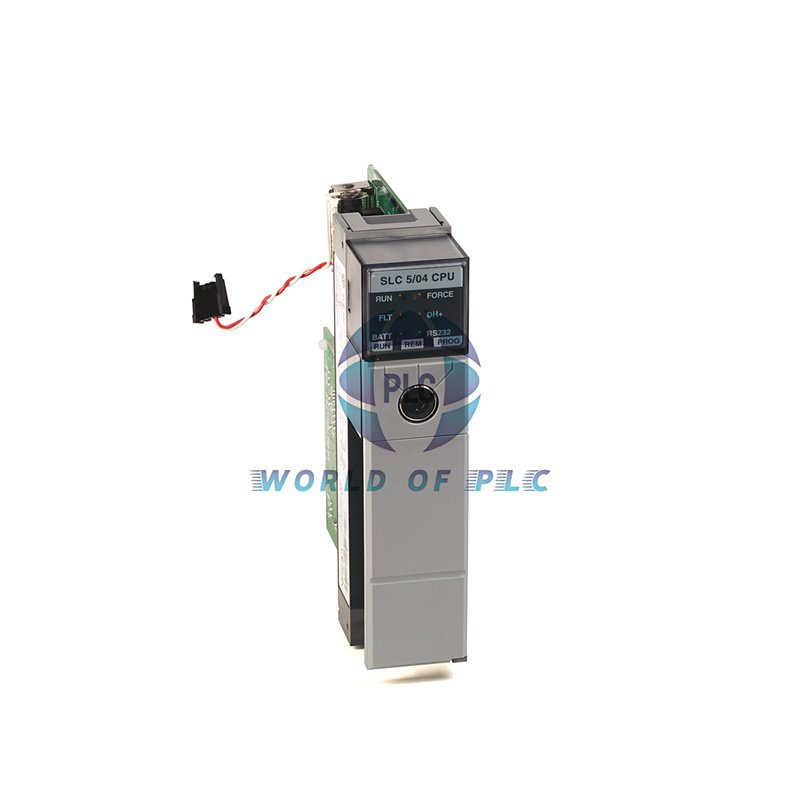
Allen-Bradley 1747-SDN DeviceNet Scanner ModuleConnect your SLC 500 system to DeviceNet networks. The 1747-SDN scanner module links your controller to smart devices. It talks to sensors, drives, and valves on one network. This saves you wiring time and cost. The module fits in one slot in your chassis. It works with SLC 5/02 or newer processors.Main FeaturesNetwork Gateway: Connects SLC processors to DeviceNet devices.Multiple Data Modes: Supports Polled, Strobe, and Change-of-State I/O.Pass-Through Function: Acts as a bridge for network tools.Wide Compatibility: Works with SLC 5/02, 5/03, 5/04, 5/05.Easy Monitoring: LED lights and display show status and errors.Technical DetailsBrand: Allen-BradleyModel: 1747-SDNSeries: SLC 500Module Type: DeviceNet ScannerNetwork Port: One DeviceNet (10-pin)Data Speed: 125 KbpsMax Nodes: 63Backplane Power: 500 mA @ 5V DC, 90 mA @ 24V DCOperating Temp: 0 to 55°C (32 to 131°F)Storage Temp: -40 to 85°C (-40 to 185°F)Isolation Rating: 500V AC for 60 secondsWeight: 1 lb (0.45 kg)Slot Width: Single Slot ModuleInstallation NotesInstall the 1747-SDN in any SLC 500 chassis slot. Use the 10-pin linear plug for the DeviceNet cable. Check the LED lights after power-up. The green light means good communication. Always turn off power before installing or removing the module.Compatibility InfoControllers: SLC 5/02, SLC 5/03, SLC 5/04, SLC 5/05I/O Modes: Polled, Strobe, Change-of-State, CyclicNetwork: DeviceNet with up to 63 nodesWarranty & ShippingThis product has a 12-month warranty. We ship quickly using FedEx, UPS, and DHL.Frequently Asked QuestionsWhat is the main job of the 1747-SDN? It lets your SLC processor talk to devices on a DeviceNet network.How many devices can I connect? You can set up to 63 nodes on the network.What does the ‘Pass-Through’ feature do? It lets you connect a programming laptop to the DeviceNet network through the scanner.What controllers can I use it with? It works with SLC 5/02, 5/03, 5/04, and 5/05 processors.What do the status LEDs show? They show if the module is working and if the network communication is good.Download ManualNeed help with setup? Get the full manual for details and wiring guides.Download SLC 500 Hardware Manual Here© 2025 World of PLC Limited. All rights reserved. Original Source: https://www.oiltechcontrols.com/ Technical Support Contact: Email: [email protected] | Phone: 86 158 8020 0923 Partner: PLCDCS HUB Limited https://plcdcshub.com/ | PLC Pioneer Limited https://plc-pioneer.com/