Roll over image to zoom in
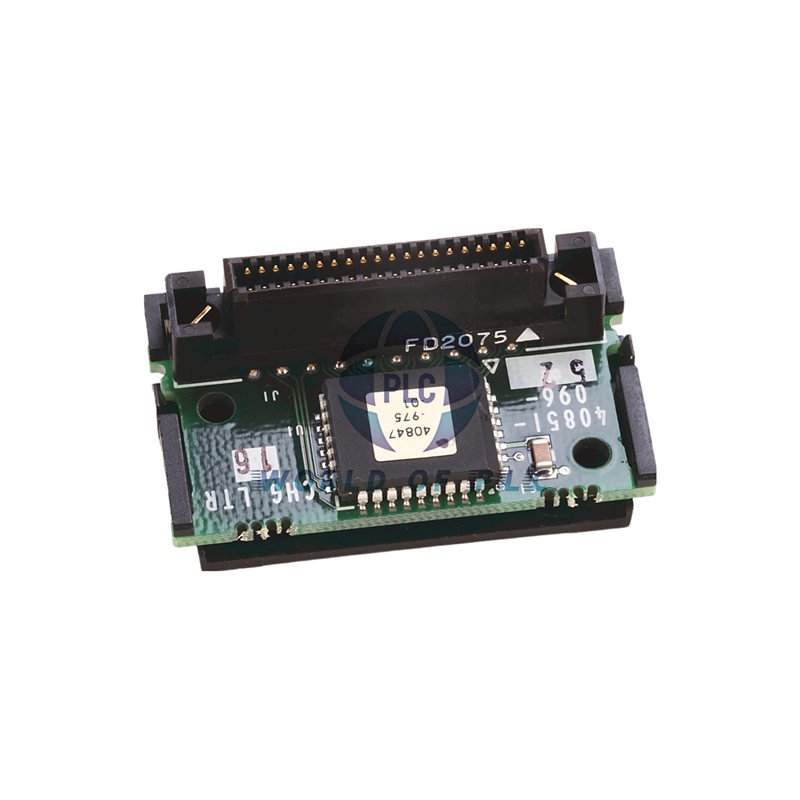
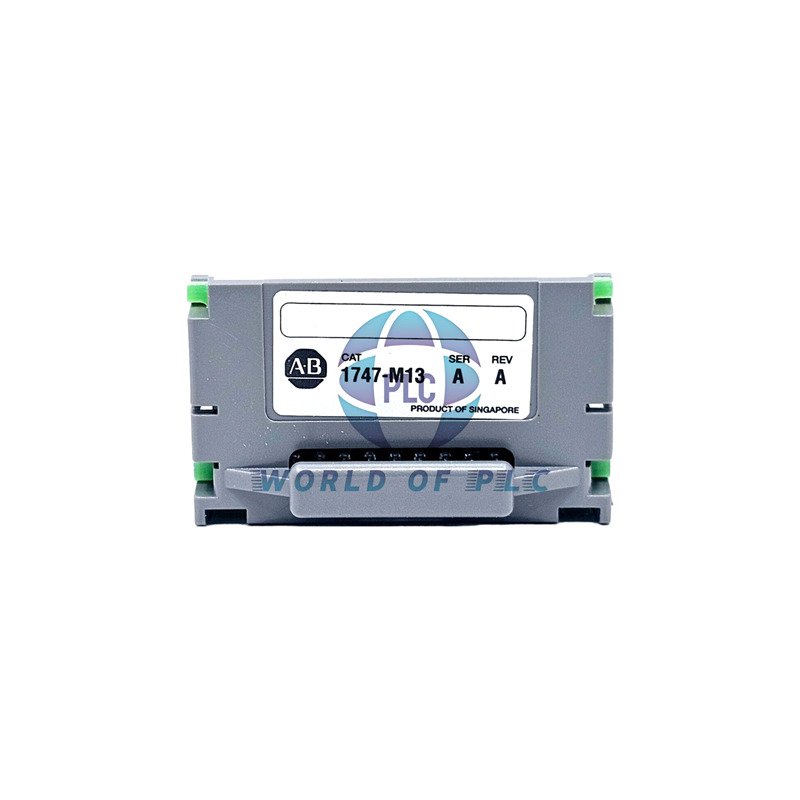
Allen-Bradley Memory Module 64KB Flash – SLC 500 | 1747-M13
$ 99.14
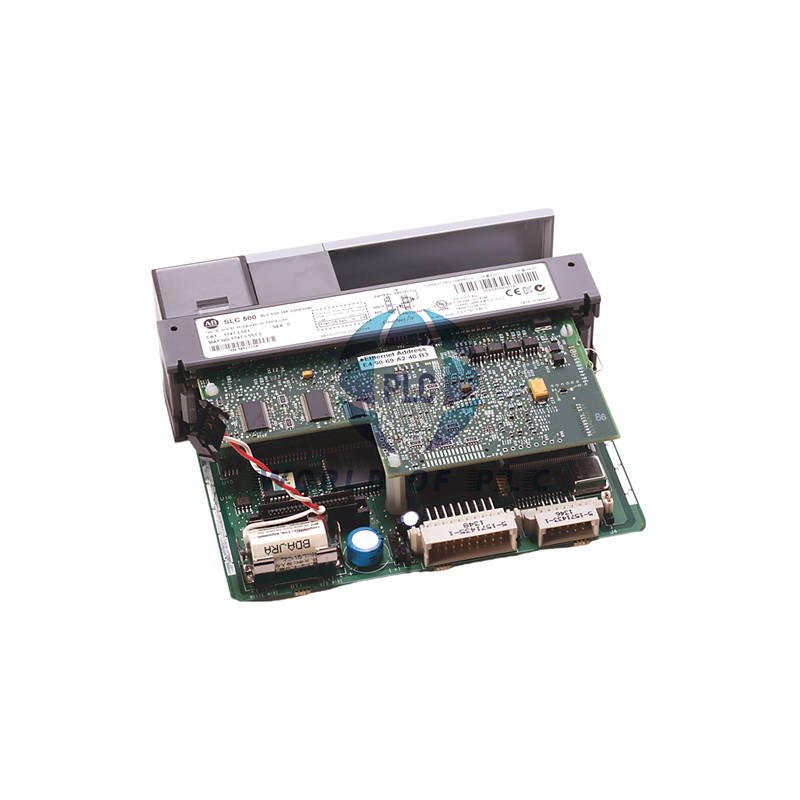
Allen-Bradley 1747-M13 SLC 500 Memory ModuleKeep your PLC program safe. The 1747-M13 is a 64KB flash memory module. It works with SLC 5/03, SLC 5/04, and SLC 5/05 processors. This module saves your program and data. It protects against power loss or battery failure. No more lost programs. Ensure your machine starts up correctly every time.Key Features64KB Flash Memory: Reliable, non-volatile storage.Wide Compatibility: For SLC 5/03, SLC 5/04, SLC 5/05 processors.Data Security: Keeps your program safe without a battery.Easy Installation: Fits directly onto the processor board.Requires Adapter: Must be used with a 1747-M15 Series B adapter.Technical SpecificationsBrand: Allen-BradleyModel: 1747-M13Series: SLC 500Module Type: Memory ModuleMemory Size: 64 Kilobytes (64,000 Words)Memory Type: Flash (EEPROM)Function: Program & Data Table StorageCompatible Processors: SLC 5/03, SLC 5/04, SLC 5/05Required Adapter: 1747-M15 Series BInstallation GuideAlways turn power OFF before you start. Use the 1747-M15 Series B adapter. Connect the module to the processor board. The connectors are keyed. This prevents wrong installation. Handle with care. Avoid static electricity.CompatibilityThe 1747-M13 module works with these processors:SLC 5/03SLC 5/04SLC 5/05You must use the 1747-M15 Series B adapter. Do not use a Series A adapter. It can damage the memory.Warranty & ShippingWe provide a 12-month warranty. This warranty covers any defects. We ship quickly worldwide. We use trusted carriers: FedEx, UPS, and DHL.Frequently Asked QuestionsWhat is the main use of the 1747-M13? It is used to permanently store and backup the PLC user program.Can I use this module without an adapter? No. You must use the 1747-M15 Series B adapter for it to work.What happens if I use the wrong adapter? Using a 1747-M15 Series A adapter can permanently damage the memory module.Is the stored program safe during a power failure? Yes. The flash memory keeps the program safe without any battery.How do I transfer a program to the module? Connect it to the processor and use the “Burn to EEPROM” function in your software.Download ManualNeed more details? Get the full manual for installation and setup.Download SLC 500 Hardware Manual Here© 2025 World of PLC Limited. All rights reserved. Original Source: https://www.oiltechcontrols.com/ Technical Support Contact: Email: [email protected] | Phone: 86 158 8020 0923 Partner: PLCDCS HUB Limited https://plcdcshub.com/ | PLC Pioneer Limited https://plc-pioneer.com/